MFT-CM
Configuration Manager
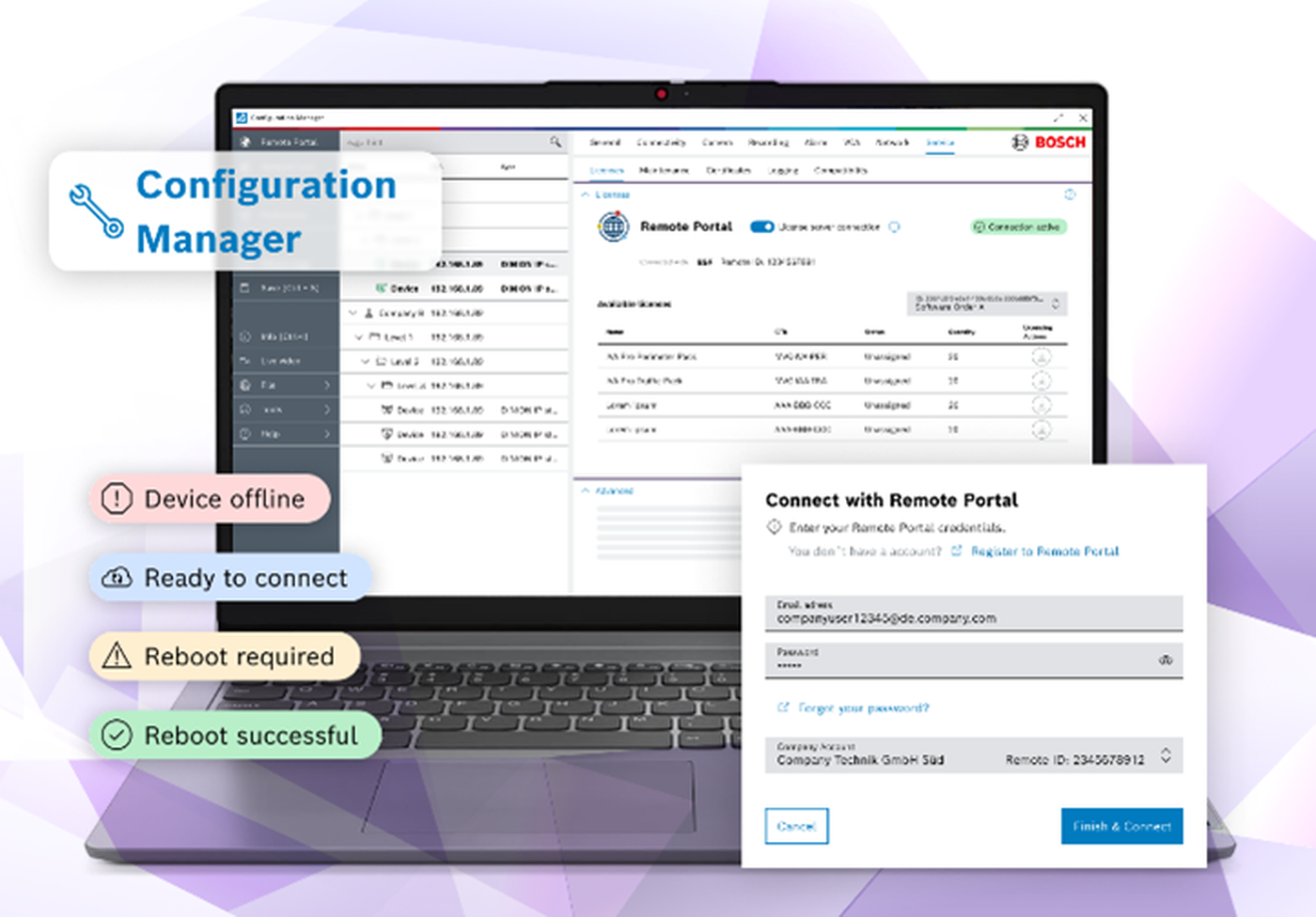
IQSIGHT Configuration Manager is a free software tool for commissioning and configuring video products and ONVIF devices across local and remote systems. From automatic device discovery and bulk configuration to IVA Pro setup, license management, and certificate handling, it helps installers and system administrators deploy security systems faster and with less manual effort.
- Commercial Type No:
- MFT-CM
- Order number:
- F.01U.360.102
Free configuration tool for video products and ONVIF devices
Supports local, remote, and bulk configuration
Compatible with ONVIF Profiles: G, M, S, and T
Configure IVA Pro video analytics and manage device licenses
Includes MicroCA for local certificate creation and management
Simplifies commissioning with device discovery, import functions, and flexible table views
Product Overview
Streamline setup with bulk configuration
Configure multiple devices at once to reduce installation time and simplify large system rollouts.
Strengthen security with certificate management
Use the integrated MicroCA to create and manage local certificates for secure device communication.
Configure IVA Pro with confidence
Set up IVA Pro detection rules and analytics parameters using a guided, purpose built configuration environment.
Integrate seamlessly across diverse video systems
Configure Bosch video products and compatible ONVIF devices with support for Profiles G, M, S, and T.
Simplify remote commissioning
Configure registered devices remotely, helping reduce on site visits during setup, expansion, and maintenance.
Key Specifications
| Hardware | Personal Computer |
|---|---|
| CPU | Dual Core, 3.0 GHz or better |
| RAM | 8 GB or more |
| OS | Windows Server 2019Windows Server 2016Windows 10, 64 bitWindows 11 64 bit |
| Graphics card | DirectX 11 compatible |
| Ethernet card | 100 Mbps |
| Sound card | Recommended |
| Software | Microsoft .NET 4.7.2 |
| Free memory (installation) | 400 MB |
Frequently Asked Questions
Common questions about the Configuration Manager
How does the Configuration Manager simplify deploying large systems?
Configuration Manager supports bulk configuration, allowing installers to apply settings to multiple cameras in one step. This helps reduce installation time, improve consistency, and simplify commissioning across larger video systems.
How does Configuration Manager support certificate management?
The integrated MicroCA helps create and manage local certificates for small to medium systems. This supports certificate based authentication and helps strengthen protection against unauthorized access.
Can device settings be managed remotely without being on-site?
Yes. Once devices are registered through Remote Portal, Configuration Manager allows remote configuration of IQSIGHT camera devices. This helps system integrators adjust settings and support deployments without always needing to be on site.
How does Configuration Manager support IVA Pro setup?
Configuration Manager is used to configure IVA Pro video analytics for specific application needs. It allows teams to set detection rules, adjust analytics parameters, and use supported setup features such as AI assisted autocalibration where available, helping simplify commissioning and improve analytics performance.
Which devices are compatible with the Configuration Manager?
Configuration Manager supports IQSIGHT video products, including cameras, decoders, Video Recording Manager, and Video Streaming Gateway. It also supports compatible ONVIF devices with Profiles G, M, S, and T.
What is the order number of MFT-CM?
MFT-CM (Configuration Manager) has order number F.01U.360.102. Quoting the part number MFT-CM in your request is enough for IQSIGHT Vietnam to identify the product.
Which product family does MFT-CM belong to?
MFT-CM is a model of the Configuration Tools family by IQSIGHT (formerly Bosch Video Systems).
Where can I buy genuine MFT-CM in Vietnam?
MFT-CM (Configuration Manager) is supplied in Vietnam by IQSIGHT Vietnam with data sheets, VMS integration support (BVMS, Genetec, Milestone) and technical support. Send a quotation request with the part number for a project-specific configuration.
Is original technical documentation available for MFT-CM?
Yes. The original English data sheet of MFT-CM is in the Document Library (search by part number); final specifications follow the latest IQSIGHT data sheet.
Part of the family
Configuration Tools
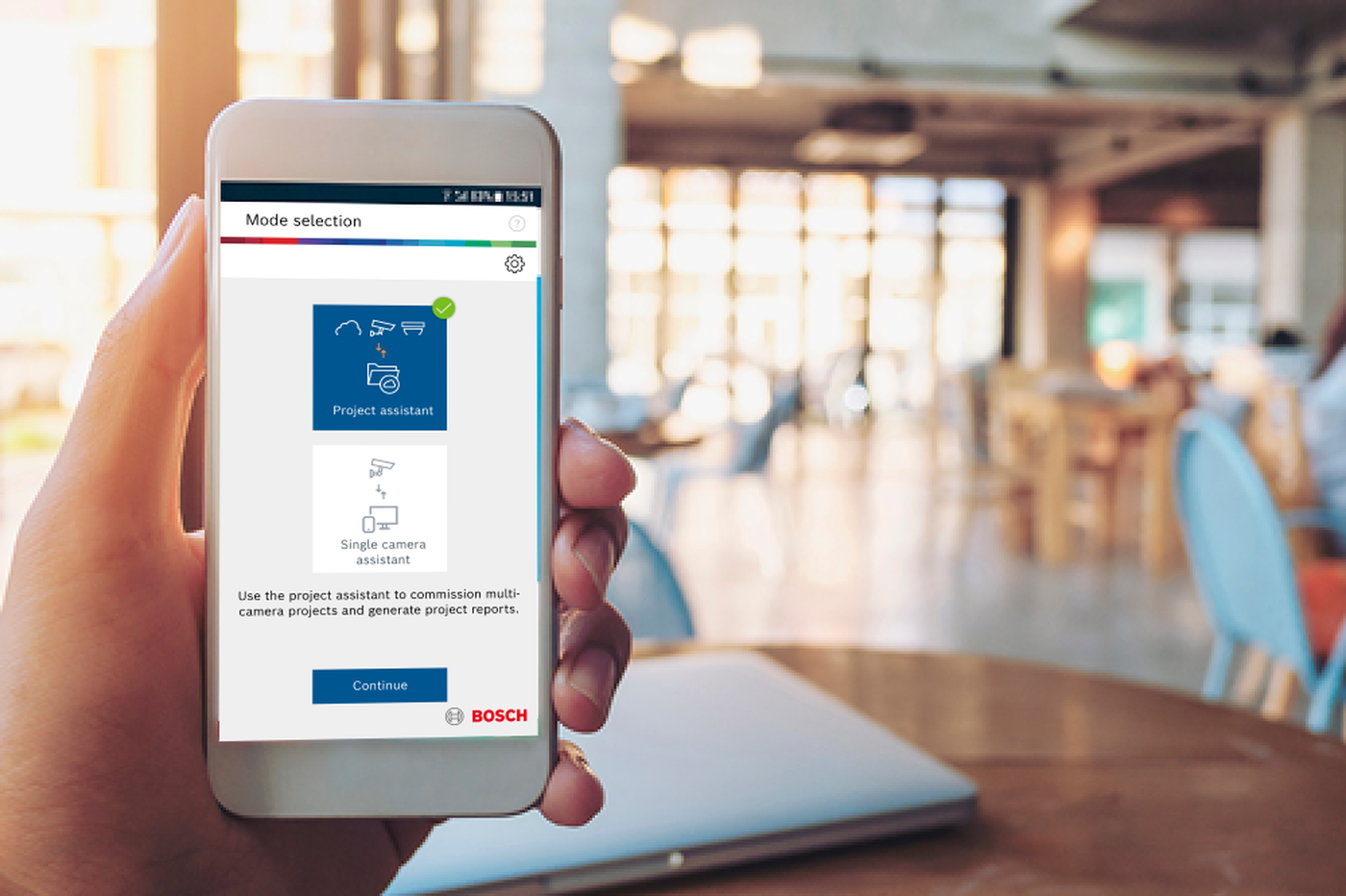
Part numbers in this family:MFT-CMMFT-PA
Technical Documents
- MFT-CM – Configuration Manager – Data sheetDownload PDF
Data sheet · 795 KB
Need advice or a quote for this product?
Send the part number or your project brief – IQSIGHT Vietnam replies with data sheets, configuration advice and a genuine quotation.