
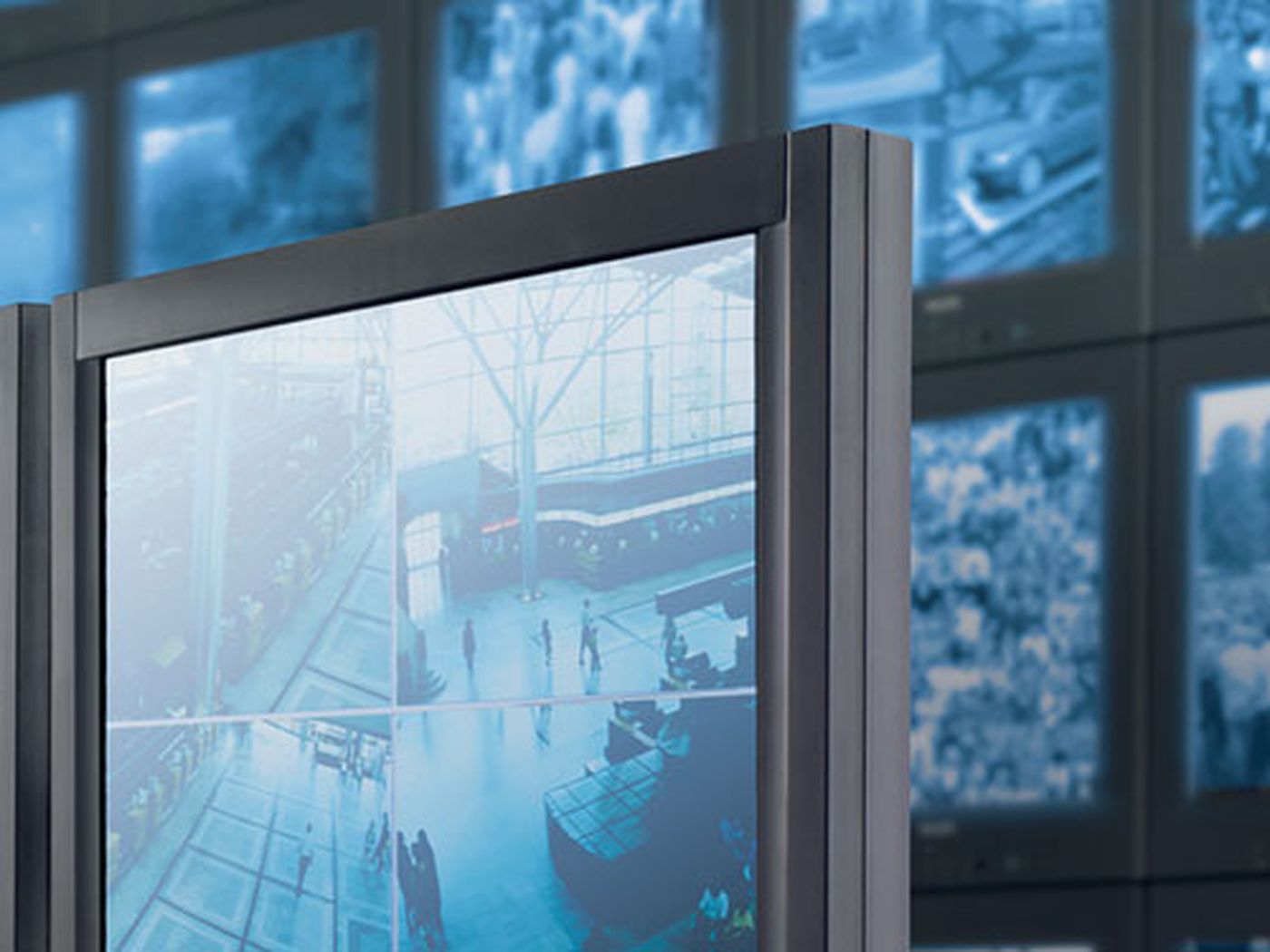
Monitor Wall
Designed for surveillance centers, Monitor Wall enables operators to view multiple live cameras across up to four high-resolution screens. Its scalable decoding and flexible layouts deliver seamless integration and real-time situational awareness.
- View multiple live cameras on large screens in your surveillance center
- Multi-channel decoder with up to four screens
- Screen layout independently configurable per display
- Compatible with BVMS
- Compatible with IP cameras and encoders, as well as ONVIF and RTSP video sources
Part of the family
Monitor Wall · 2 models
Pick a model to see its full specifications and data sheet.
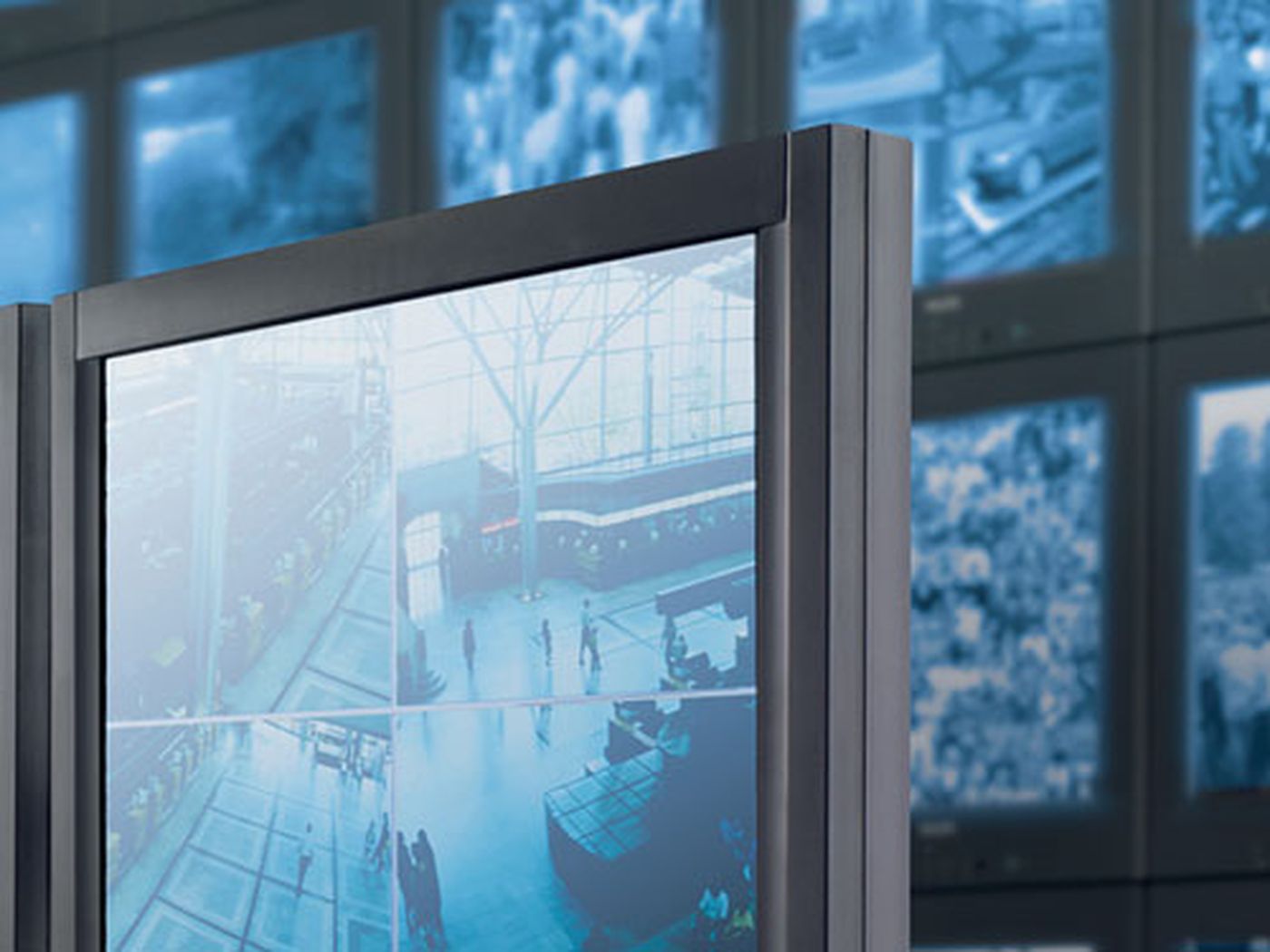
MVS-MW-2D
Monitor Wall license for two displays
Enhance your surveillance center's visibility by viewing multiple live cameras across large displays. Compatible with BVMS and diverse IP video sources, this license provides independently configurable layouts to help teams monitor operations seamlessly and act with confidence.
View DetailsMVS-MW-4D
Monitor Wall license for four displays
Expand situational awareness in your surveillance center with the Monitor Wall license. It enables operators to view multiple live cameras across up to four independently configurable displays, seamlessly integrating with BVMS and ONVIF video sources.
View Details
Product Overview
View multiple live cameras on large screens
Transform your surveillance center with scalable decoding that delivers clear, real-time visibility across up to four high-resolution displays.
Visualize real-time video analytics data
Display onboard analytics metadata as vector overlays to instantly track object detection and classification across your facility.
Customize screen layouts for every display
Adapt automatically to different monitor aspect ratios and orientations to ensure operators see exactly what they need.
Integrate seamlessly with existing video systems
Connect effortlessly with BVMS, IP cameras, and ONVIF video sources without disrupting your current operational workflows.
Maintain smooth video during critical events
Rely on automated performance management to reduce network jitter and deliver stable, low-latency video feeds up to 60 frames per second.
Technical Specifications
| Hardware | Management workstation Z2 or Z4 (G4 and newer) |
|---|---|
| Operating system | Windows 11 (64 bit) |
| Graphic card | NVIDIA Quadro P620 or P4000, NVIDIA RTX 4000, T1000, or A400. |
| Ethernet card | 1000 Mbps |
| Sound card | Recommended |
| Memory (RAM) (GB) | 8 GB |
| Free space (MB) | 200 MB |
| Recommended software for configuration | Configuration Manager 7.77 or newer |
| Recommended software for operation | BVMS 12 or newer |
| Encryption | TLS 1.2; AES |
| Protocols / standards | IPv4; IPv6; UDP; TCP; HTTP; HTTPS; RTSP; RTP |
| Frame rate (fps) | 60 fps |
| Video compression | H.264 (ISO/IEC 14496-10); H.265/HEVC |
Technical Documents
- Monitor Wall – Data sheetDownload PDF
Data sheet · 309 KB
- Monitor Wall license for two displays – Data sheetDownload PDF
Data sheet · 309 KB
- Monitor Wall license for four displays – Data sheetDownload PDF
Data sheet · 309 KB
Frequently asked questions
How does Monitor Wall support intelligent video analytics?
Monitor Wall can render metadata from onboard video analytics engines as a vector graphics overlay directly on the video stream. This enables operators to easily monitor object detection, object tracking, and object classification in real time, turning video into actionable insight.
Can the screen layouts be customized for different displays?
Yes, the screen layout is independently configurable per display. Depending on the workstation's performance, it can run single, dual, or quad screens with diverse layouts—ranging from full screen to 6x5 views—adapting automatically to monitor aspect ratios and orientations.
Which video management systems and cameras are compatible with Monitor Wall?
Monitor Wall is fully compatible with BVMS to enhance display capabilities in large control centers. It also seamlessly integrates with IP cameras and encoders, as well as ONVIF and RTSP video sources, ensuring simple deployment across diverse IT environments.
How does the software ensure smooth video display across multiple screens?
The software features scalable decoding technology and a performance management architecture that automatically distributes resources over connected streams. It supports hardware-accelerated H.264 and H.265 decoding, optimizing GPU and CPU load balancing to deliver smooth, high-resolution video up to 60 frames per second.
Is Monitor Wall designed for secure IT environments?
Yes, the software supports secure access and connection setups, making it easy to integrate into strict IT management environments. It utilizes TLS 1.2 and AES encryption and is designed to run seamlessly on FIPS-2 compliant workstations.
Where can I buy genuine Monitor Wall in Vietnam?
Monitor Wall is supplied in Vietnam by IQSIGHT Vietnam with data sheets, VMS integration support (BVMS, Genetec, Milestone) and technical support. Send a quotation request for a project-specific configuration.
Is original technical documentation available for Monitor Wall?
Yes. The original English data sheet of every part number is in the Document Library; final specifications follow the latest IQSIGHT data sheet.
Need advice or a quote for this product?
IQSIGHT Vietnam brings the complete IQSIGHT portfolio (formerly Bosch Video Systems) to Vietnam: IP cameras, IVA Pro AI video analytics, video management software, cloud services, recorders, storage and accessories for critical infrastructure, cities, transportation and enterprises.